How to build a website with AI in 2026 (a practical guide)
The real step-by-step to build a website with AI in minutes — what AI solves well, what is still your call, what it costs and how to publish.
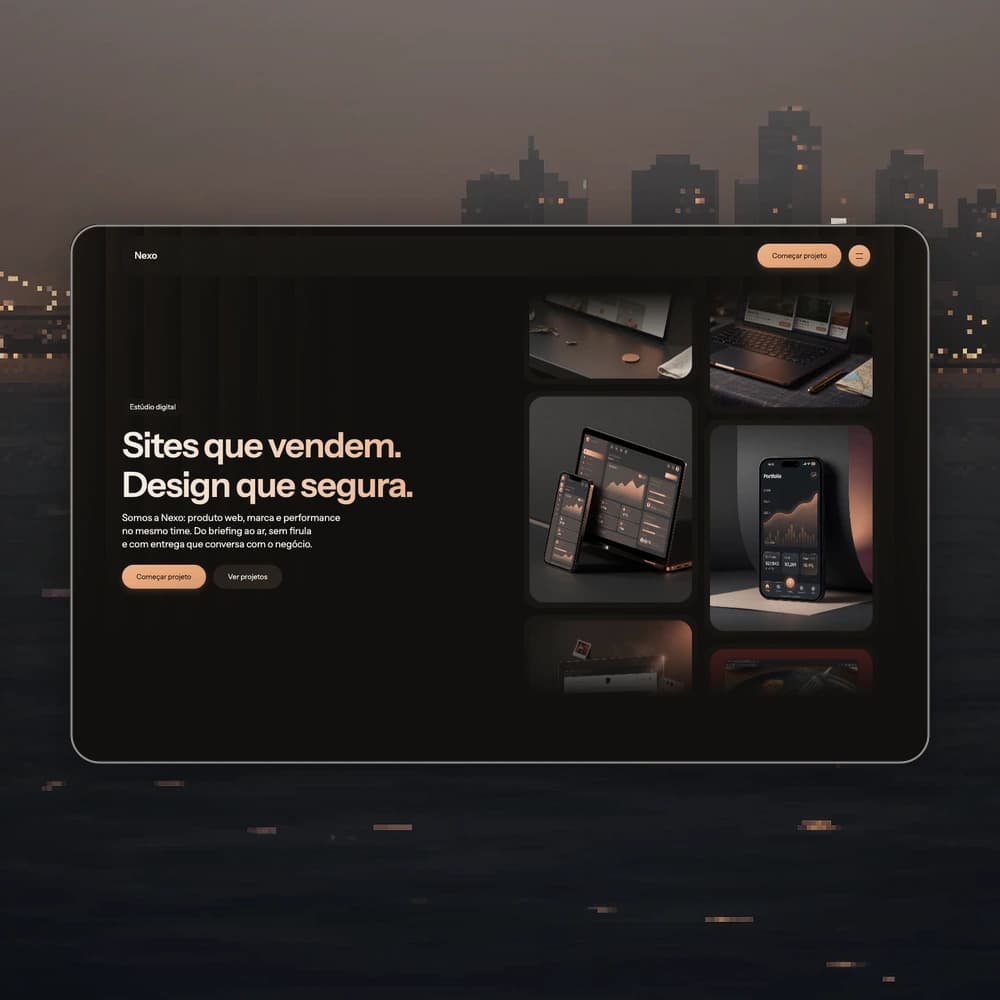
Building a website is no longer a weeks-long project. With an AI website builder, the distance between "I need a website" and "my website is live" is measured in minutes — no code involved. This guide shows the actual process: what AI does well, what is still your decision, and what it costs.
What an AI website builder actually does
A good AI builder solves three things:
- Structure — the right sections for your kind of business (hero, services, social proof, contact) instead of a blank page.
- First-draft content — headlines, copy and images that match what you described, ready to edit.
- Publishing — the site goes straight from the editor to a public URL with SSL, no hosting setup.
What AI does not decide for you: your positioning, your pricing and the real photos of your work. Practical rule: let AI build the skeleton and the first draft; replace it with what is genuinely yours.
Step by step: from zero to live
1. Describe the business in one sentence
"Artisan coffee shop in Curitiba roasting its own beans" is enough for the AI to pick structure, tone and imagery. The more specific the niche, the better the first result.
2. Or start from a template
Prefer to see before writing? Start from a niche template — coffee shop, clinic, real estate, agency — and ask the AI to adapt it. On Shibui both paths exist: pick a template from the gallery or describe your site in the generator; either way, AI takes over the editing afterwards.
3. Edit by chatting
"Make the background warmer", "tighten the headline", "add a testimonials section" — each request becomes an applied change with a live preview.
4. Publish in one click
Your site goes live at a public Shibui address
(your-name.shibui.build) with automatic SSL and no hosting setup.
What it costs
An agency charges thousands for an institutional website, plus weeks of waiting. International builders charge in USD (typically US$ 20–25/month). Brazilian tools charge in BRL and take Pix — Shibui has a free plan (20 credits, no card), Starter at R$ 119/month and Pro at R$ 249/month. Comparing options? See our Lovable alternatives breakdown.
Start now
Pick a template or describe your business in the Shibui generator — the free plan needs no card, and your site can be live today.